
Choosing the right laptop for a small business is less about chasing the flashiest specs and more about matching your real workload: accounting, blogging, and advertising. The ideal machine should be fast enough to juggle spreadsheets, browser tabs, and light creative work; portable enough to go from client meetings to coffee shops; and secure enough to protect your books and customer data. Here’s a clear, practical guide to help you buy with confidence.
Define your workload first
List the apps and tasks you use daily: bookkeeping and invoicing, spreadsheet analysis, writing and publishing blog posts, basic image editing for social posts, ad management dashboards, and frequent video calls. This mix is CPU- and RAM-sensitive, relies heavily on reliable Wi‑Fi and a great keyboard, and benefits from a bright, color-accurate display. If you occasionally edit short marketing videos or large images, you’ll also want a bit more CPU/GPU headroom.
Processor and memory: where speed really shows
Look for a modern, energy‑efficient mobile processor with at least 8 threads (often marketed as 8 cores or 4 performance cores with efficiency cores). These chips balance speed with battery life and are excellent for multi‑tab browsers, accounting ledgers, and content management systems. If you regularly export media or crunch large datasets, step up to higher‑tier mobile processors designed for heavier multitasking.
For memory, 16 GB RAM is the sweet spot for accounting apps, browser-based ad platforms, and blogging tools running simultaneously. It reduces slowdowns when switching between tabs, spreadsheets, and a graphics editor. If you keep dozens of tabs open, or run virtual meetings alongside image editing and cloud backups, 32 GB offers extra headroom and longer usable life.
Storage that keeps up (and keeps safe)
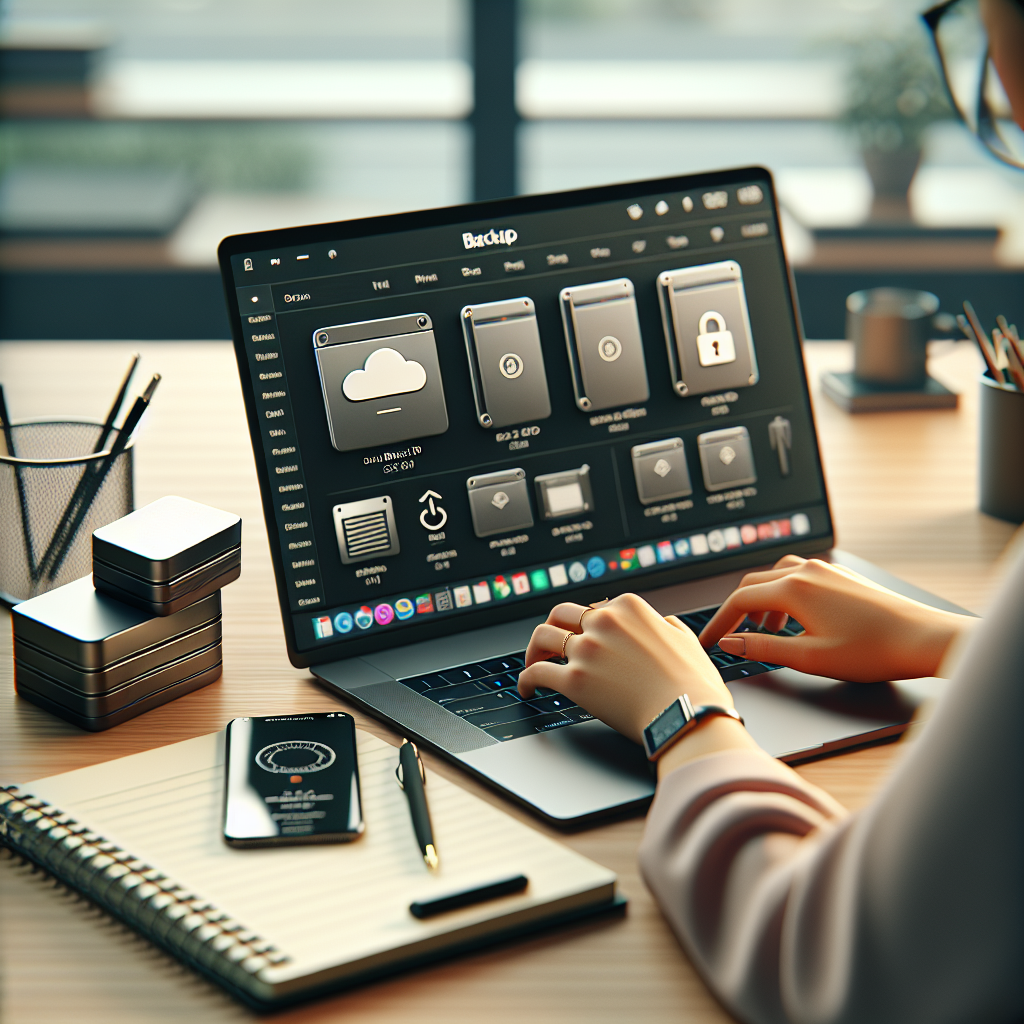
Choose a fast NVMe SSD—512 GB is a practical baseline for documents, photos, and app libraries. If you handle many marketing assets or raw photos, consider 1 TB. Enable automatic cloud sync for critical files and plan a 3‑2‑1 backup strategy: three copies, on two media, with one off‑site. An external USB‑C SSD is an inexpensive, portable layer of protection.
Display and typing comfort matter more than you think
A 13–14 inch display strikes a great balance between portability and productivity, while 15–16 inch suits desk‑first workflows. Opt for at least 1920×1080 resolution; 2560×1600 or similar gives sharper text for long reading and writing sessions. Aim for 300+ nits brightness and an anti‑glare or low‑reflective finish for bright rooms. A comfortable, well‑spaced keyboard and a glass precision touchpad directly impact your speed when drafting posts and reconciling accounts.
Battery life and portability for real‑world days
If you move between meetings, prioritize 8–12 hours of light‑to‑moderate use. Efficient processors, integrated graphics, and modern displays help you last through flights and long workdays. Weight under 1.4 kg (about 3 lbs) keeps your bag light. USB‑C charging (65 W or higher) lets you top up with universal chargers and power banks.
Connectivity, ports, webcam, and audio
For smooth uploads and stable calls, target Wi‑Fi 6 or 6E. Two or more USB‑C ports are ideal; add at least one USB‑A for legacy accessories, plus HDMI or a reliable USB‑C video output for external displays. A microSD or SD reader is handy if you shoot photos for blog posts. Choose a 1080p webcam with good microphones for professional video calls; if not built‑in, plan for a compact external webcam and a USB mic.
Security and manageability you can trust
Seek hardware security features like a dedicated security chip or TPM, biometric login (fingerprint reader or IR face recognition), and disk encryption. These guard your books, invoices, and client data. Business‑grade remote management features can simplify updates and backups if you work with an IT consultant. Always enable automatic OS and browser updates, and consider a password manager with multifactor authentication.
Operating system and software compatibility
Choose the platform that best supports your accounting suite, blogging tools, and ad dashboards. Ensure your OS version is compatible with banking security requirements and any peripheral drivers. Cross‑platform browsers and office suites minimize friction if you collaborate with others. If you rely on specific legacy accounting add‑ins, verify compatibility before buying; a short checklist can save hours later.
Budget tiers: what to buy right now
Good: Reliable starter for most small businesses
Modern 8‑thread processor, 16 GB RAM, 512 GB NVMe SSD, 13–14 inch 1080p display, Wi‑Fi 6, two USB‑C and one USB‑A, decent 720/1080p webcam. This setup handles accounting, blogging, ad platforms, and video calls smoothly at an accessible price.
Better: Balanced power and comfort
Higher‑tier mobile processor, 16–32 GB RAM, 1 TB SSD, 14–15 inch higher‑resolution display with better color accuracy, upgraded speakers and webcam, longer battery life, and robust build quality. Ideal if you edit more media or value a premium typing and viewing experience.
Best: Future‑proof multitasker
Top‑tier mobile processor with excellent efficiency, 32 GB RAM, 1–2 TB SSD, color‑accurate high‑resolution display, superior keyboard and trackpad, strong security features, and premium materials. Ideal for heavier creative work, frequent travel, and multi‑year longevity.
Before you check out, map your daily workflow to the specs above and prioritize what impacts you most: smooth multitasking for ledgers and tabs, a comfortable screen and keyboard for long writing sessions, strong battery for days on the move, and rock‑solid security for peace of mind. When a laptop aligns with your work—not the other way around—you’ll feel the difference every hour you run your business.