Bringing a new hire into the team is exciting, but on a limited budget it’s easy to overlook the small accessories that make a desk functional, comfortable, and professional. Thoughtful, low-cost items can boost productivity and show new employees they’re supported from day one. The following guide outlines practical, affordable accessories to include at each workstation, organized by priority so you can scale purchases across multiple hires without breaking the bank.
Essential starter items that shouldn’t be skipped
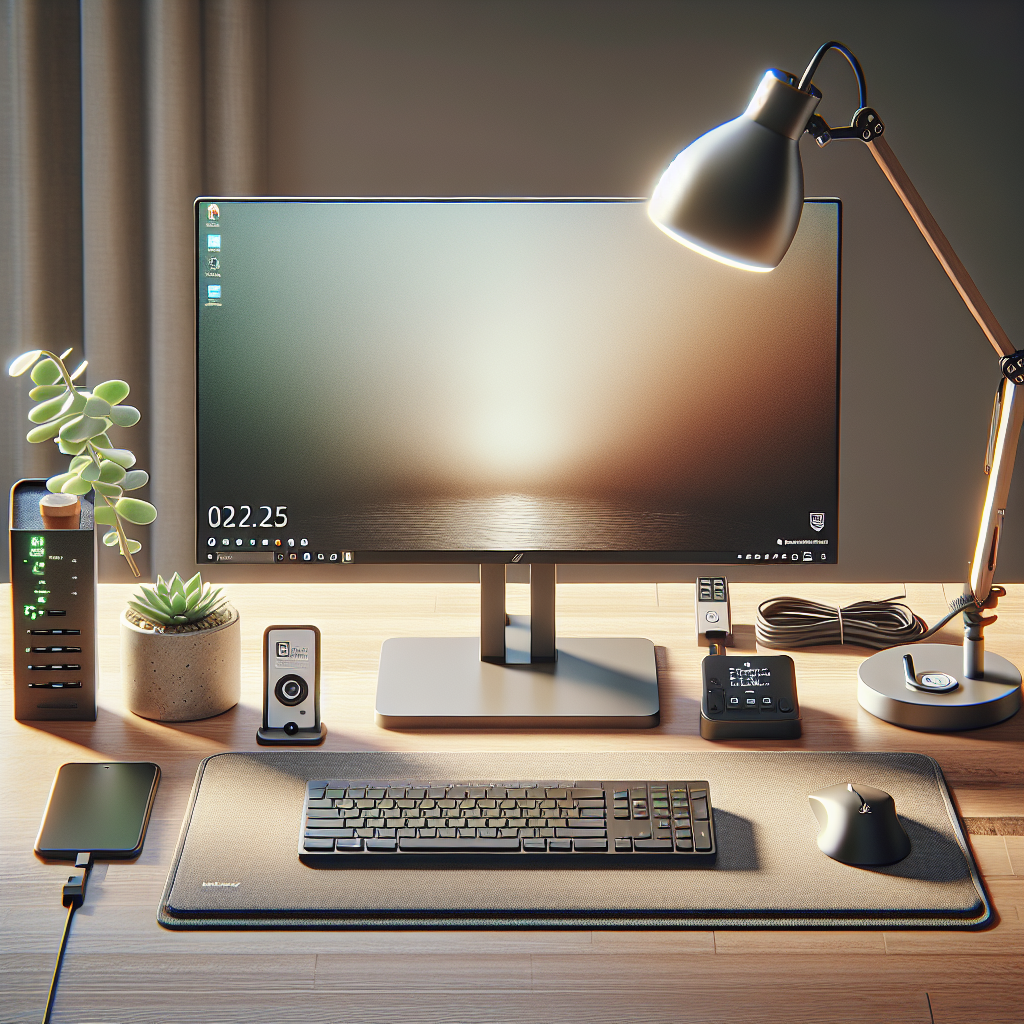
Start with a few high-impact essentials that solve common setup pain points. A reliable wired or budget wireless mouse and a comfortable keyboard are often more valuable than upgrading the monitor immediately. For hybrid teams or remote days, include a simple USB headset with a noise-cancelling microphone to ensure calls are clear. Add a basic mouse pad — one with a wrist rest if possible — to reduce strain through long hours of use.
Ergonomics and comfort on a shoestring
Ergonomics aren’t a luxury. Little investments prevent fatigue and long-term discomfort. A modest adjustable laptop stand or monitor riser can position screens at eye level, reducing neck strain. Pair that with an inexpensive external keyboard and mouse for anyone using a laptop as their primary device. Consider a thin, high-density foam wrist rest for keyboard and mouse users. A compact lumbar support pillow or inflatable lower-back cushion can also make standard office chairs noticeably more comfortable without purchasing new seating.
Organization tools that look professional
Clutter diminishes focus. Add a small desk organizer tray for papers and pens, a basic cable organizer or Velcro ties to keep cords tidy, and a multi-compartment drawer caddy if the desk lacks built-in storage. A single-tier document holder or desktop file rack helps keep onboarding paperwork and quick-reference guides within reach. These items are inexpensive but make a desk look intentional and ready for work.
Connectivity and power solutions
Nothing disrupts productivity like insufficient ports. A compact USB hub with one or two extra USB-A ports and a USB-C pass-through can be a lifesaver for peripherals and phone charging. For safety and convenience, include a small surge-protected power strip with spaced outlets to accommodate bulky adapters. If your budget allows, a dual-port USB charging station for personal devices on the desk can be a thoughtful, low-cost perk.
Visibility, lighting, and small comforts
Good lighting reduces eye strain and improves video call quality. A small clip-on LED lamp or an adjustable desk lamp with warm and cool color settings is an affordable upgrade. Encourage personalization, but provide a discreet plant or a low-maintenance succulent as an optional welcome touch—these are inexpensive and improve the desk’s atmosphere. A microfiber screen cleaner kit keeps monitors and phones smudge-free and communicates attention to detail.
Security, identification, and signage
Include a simple cable lock for laptop security if devices remain at desks overnight. Add a nameplate or a small badge holder to make the workspace feel assigned and personal; these items are low cost but offer psychological ownership. Labeling chargers and docking stations with a clear tag can reduce lost items and confusion during busy first days.
Tools for onboarding efficiency
Provide a small packet with printed quick-start instructions, Wi-Fi details, IT support contact, and a checklist of installed software. A basic notebook and a couple of pens remain indispensable for note-taking during initial training sessions. An inexpensive portable phone stand helps during video calls or when following mobile-first training resources.
When purchasing, prioritize quality where it matters — comfort and reliability — and opt for lower-cost variations of less critical items. Buy multipacks when appropriate to leverage volume discounts, and standardize models across the team to simplify maintenance and replacement. Track what each new hire actually uses during their first weeks; this data helps refine your list and prevents wasted spending.
By focusing on comfort, organization, and essential connectivity, you can assemble a practical, welcoming desk setup for new employees without overspending. These small investments reduce friction during onboarding, support everyday productivity, and send a clear message that the organization values the employee’s experience from day one.