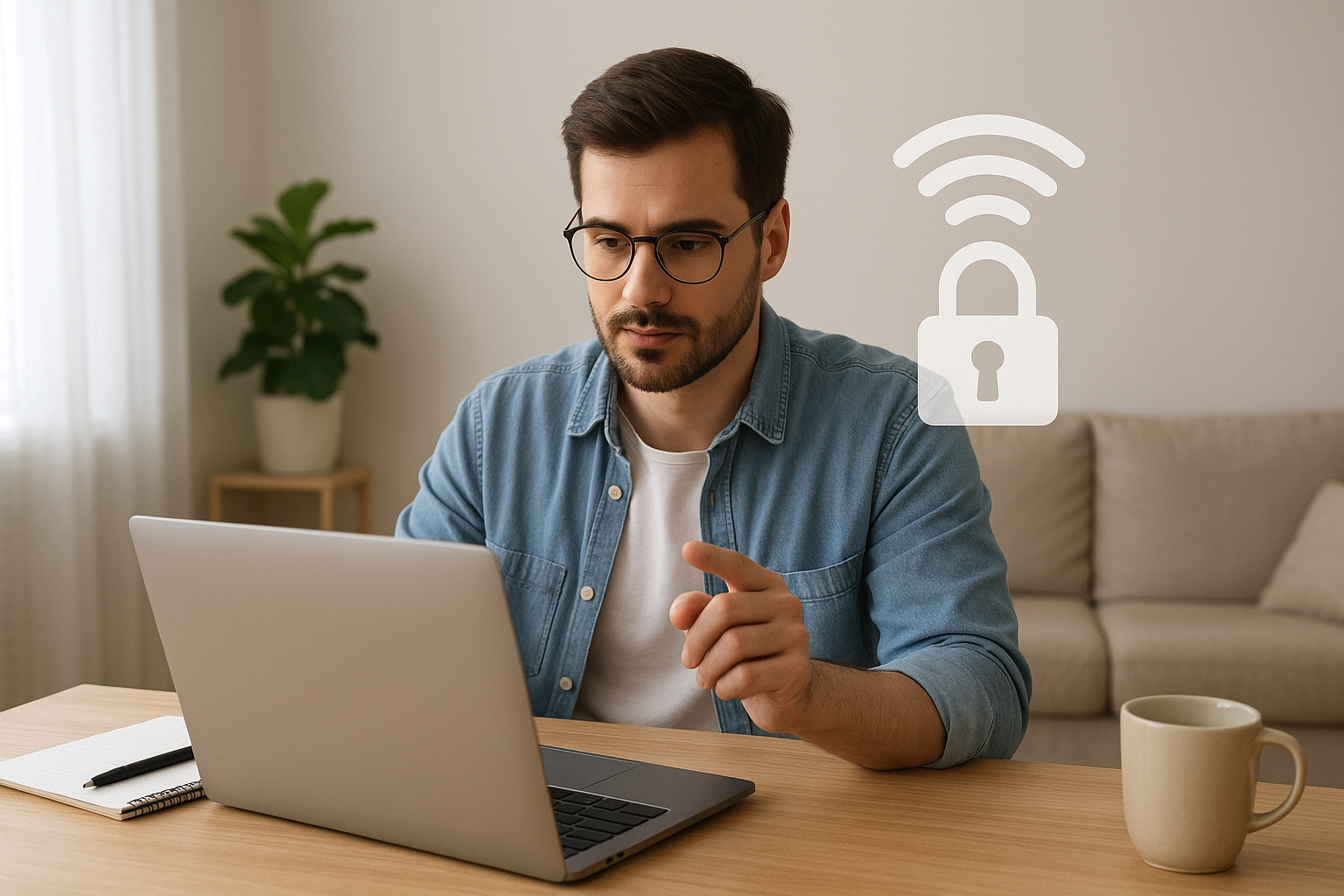
Working from home gives you flexibility, but it also places your digital life squarely on your home network. If your Wi‑Fi isn’t configured securely, sensitive work files, credentials, and video calls can be exposed. Fortunately, improving Wi‑Fi security is mostly about a few smart, repeatable steps that anyone can follow—no degree in IT required.
Why home Wi‑Fi security matters
Your router is the gateway between your devices and the internet. An insecure router or weak Wi‑Fi settings make it easier for attackers to intercept traffic, join your network, or exploit connected devices like printers, smart speakers, and cameras. For remote workers who handle corporate data, client information, or proprietary documents, a breach can lead to identity theft, financial loss, or a company security incident.
Start with an honest network assessment
Before changing settings, take inventory. List every device connected to your network (phones, laptops, tablets, IoT devices). Note whether your router uses default credentials and check the Wi‑Fi encryption type (WEP, WPA, WPA2, WPA3). Many routers still ship with weak defaults—identifying those is the first step to fixing them.
Check router access and firmware
Log into the router’s admin panel (the address is often printed on the device or in the manual). Change the default admin username and password to a strong, unique password. While in the panel, look for firmware updates and apply them—manufacturers release patches that close security holes.
Use the strongest available encryption
Set your wireless encryption to WPA2‑AES at minimum; if your router and devices support WPA3, enable it. Avoid WEP and WPA‑TKIP—these protocols are outdated and easy to crack. After changing encryption, reconnect your devices with the new credentials.
Harden access controls
A few access control settings significantly raise the bar for attackers. Create a strong Wi‑Fi password using a long passphrase with mixed characters. Do not use easily guessable words. Consider a separate guest network for visitors and IoT devices; this isolates them from your primary work network and reduces lateral movement risk if an insecure device is compromised.
Disable features that increase risk
Turn off WPS (Wi‑Fi Protected Setup), which can be exploited easily. Avoid broadcasting unnecessary services from devices and disable UPnP on the router unless you need it for specific, trusted applications. Hiding your SSID is not a security solution by itself—attackers can still detect hidden networks—but it might reduce casual access attempts.
Consider MAC filtering and DHCP reservations wisely
MAC address filtering can add an extra step for attackers but is not foolproof because MACs can be spoofed. Use DHCP reservations to assign fixed IP addresses to your trusted devices for easier monitoring and troubleshooting.
Use encryption beyond the router
Even with a secure Wi‑Fi setup, encrypting your traffic adds a critical layer of protection. Use a reputable VPN when accessing company resources or public cloud services. Many companies provide enterprise VPNs for remote employees—use them. Ensure websites you access use HTTPS, and enable browser security extensions that check certificate validity.
Secure individual devices
Keep operating systems, browsers, and applications up to date. Install antivirus or endpoint protection solutions on laptops and ensure firewalls are enabled. For mobile devices, use automatic updates and avoid installing apps from unknown sources. Lock screens with PINs or biometric authentication to defend against physical access threats.
Protect IoT devices and smart home gear
IoT devices are common weak links. Change default credentials on every smart device, keep their firmware updated, and place them on the guest or a segmented network. If a device manufacturer no longer supports updates, consider replacing it with a maintained alternative.
Monitor and log activity
Regularly review the devices connected to your network and check the router’s logs for unfamiliar connections. If your router supports it, enable notifications or logging to an external service. Consider using a network scanning tool or app that alerts you to new devices joining the network.
Advanced options for extra protection
If you want more robust security, consider a secondary firewall, a router with business‑grade security features, or a small hardware VPN appliance. Segmenting your network with VLANs keeps work devices isolated from personal or entertainment devices. For high‑value work, use disk encryption on laptops and enable multifactor authentication (MFA) on accounts used for work.
Backups and recovery
Maintain encrypted backups of important work files. In the event of ransomware or device failure, recent backups let you restore work without succumbing to extortion or data loss. Store backups offline or in a secure cloud service separate from your everyday accounts.
Securing your home Wi‑Fi is a blend of simple configuration changes and ongoing habits: keep firmware current, use strong encryption and passwords, isolate devices, and encrypt traffic when needed. These steps protect not only your work but also the privacy of everyone in your household, and they can be implemented gradually without disrupting your daily routine.