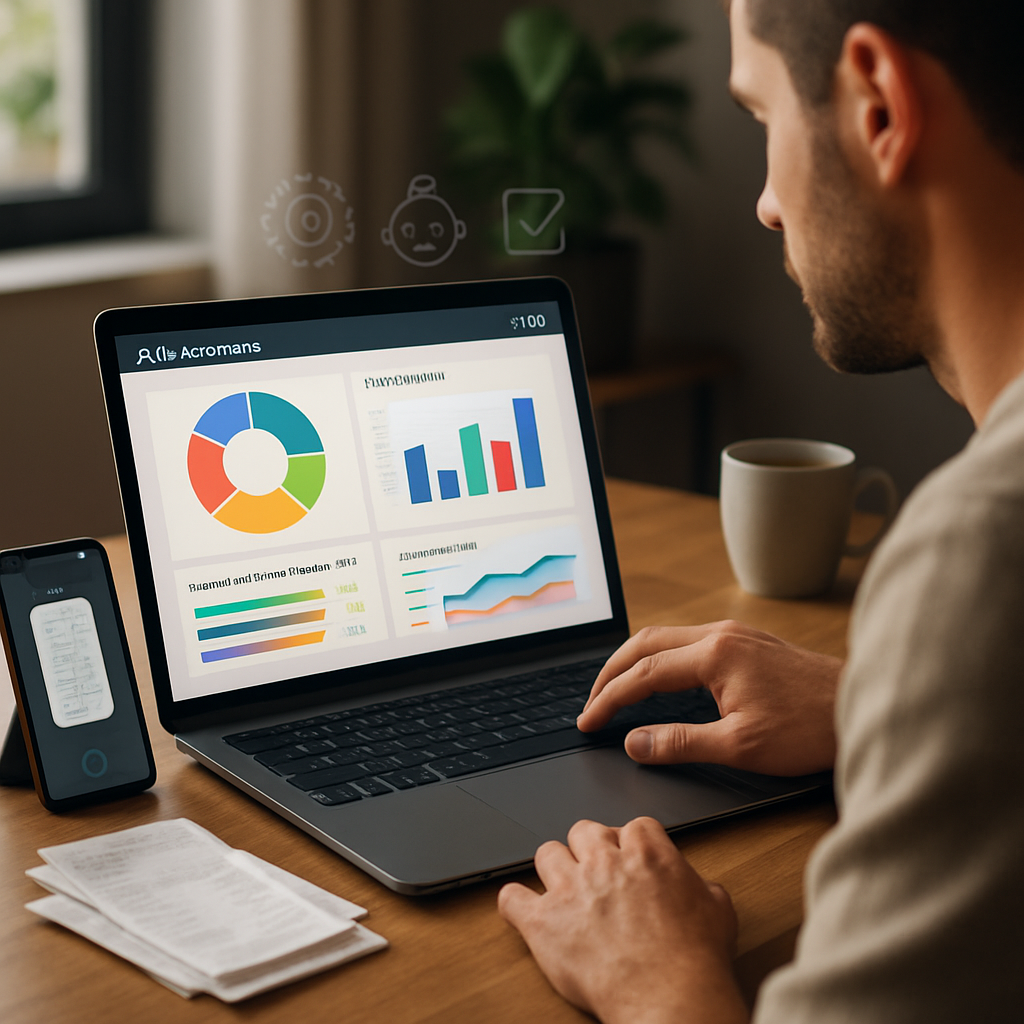
Running a small business by yourself means wearing many hats — sales, customer service, operations, and bookkeeping. Fortunately, artificial intelligence can shoulder a lot of routine accounting work so you can focus on growing the business. This article walks a one-person business through realistic AI bookkeeping tools, what each one does best, and simple workflows you can adopt today to save time, reduce errors, and keep finances audit-ready.
Why AI bookkeeping matters for a solo entrepreneur
When you’re the only employee, bookkeeping can quickly become a time sink. AI bookkeeping tools automate repetitive tasks like categorizing transactions, reconciling bank accounts, extracting data from receipts, and generating reports. That automation not only frees up hours each week, it also reduces human error, gives clearer cash-flow visibility, and produces cleaner records for taxes and lending. For a one-person operation, the goal should be reliable, minimal-touch bookkeeping rather than full-scale accounting complexity.
Core AI features to look for
Focus on tools that offer automated transaction categorization, receipt scanning with OCR (optical character recognition), intelligent bank reconciliation, and AI-driven cash flow forecasting. Integrations with your bank, payment processors, and invoicing tools are crucial — the more connected your systems, the more automation can happen without manual exports. Also consider easy-to-read dashboards, mobile apps for on-the-go scanning, and options to export tax-ready reports. Security measures like two-factor authentication and encrypted backups are non-negotiable.
Top AI bookkeeping tools ideal for solo small businesses
1) QuickBooks Online (with AI features)
QuickBooks is a popular option because it pairs automated bank feeds and intelligent categorization with simple invoicing and reporting. Its AI models learn your categorization decisions over time, reducing the need for manual adjustments. For a solo owner, QuickBooks provides an easy entry point: automated expense tracking, recurring invoices, and straightforward tax summaries. Plans vary by features and price, so start with a basic plan and upgrade only if you need payroll or advanced reporting.
2) Xero
Xero offers strong bank reconciliation, customizable rules for categorizing transactions, and integrations with receipt-capture apps. Its ecosystem includes Add-ons for payroll, time tracking, and expense management. Xero’s reporting is clean and accessible, and its AI-driven features reduce manual matching work. It’s a great pick if you value a modern interface and robust third-party integrations.
3) FreshBooks
FreshBooks is well-suited for freelancers and service-based solo entrepreneurs. It automates invoicing, expense capture, and time tracking, then uses simple automation rules to apply consistent categories. The platform has intelligent reminders and late-fee automation for invoices, which helps maintain healthy cash flow without additional admin time.
4) Wave
Wave is attractive because it offers a free tier with core bookkeeping features. The platform provides automated transaction imports, receipt scanning, and basic financial reporting. While Wave’s AI features are lighter than enterprise tools, it’s an excellent no-cost option to get most routine bookkeeping automated if budget is tight.
5) Receipt capture and OCR tools: Dext (Receipt Bank), AutoEntry, Expensify
If receipts and expense documentation are your bottleneck, dedicated OCR tools like Dext and AutoEntry turn photographed receipts into categorized entries automatically. Expensify also includes receipt scanning, expense policy automation, and integrations to sync expenses with accounting systems. Using one of these alongside your accounting software dramatically reduces manual entry.
6) Botkeeper and Bench (human+AI bookkeeping)
If you want more hands-off bookkeeping but still prefer a human review layer, services like Botkeeper or Bench combine AI automation with bookkeeping professionals who review and correct entries. They’re pricier than pure-software options but can be a good investment when your time has higher value than the monthly fee.
How to choose and implement the right tool
Start by mapping your current bookkeeping pain points: receipts, reconciliations, invoicing, or forecasting. Choose a tool that targets the biggest pain with minimal configuration. Use free trials to test how accurately automatic categorization works for your transactions and how comfortable you are with the mobile receipt capture. Keep integrations in mind — pick software that connects to your bank, payment processor, and any CRM or invoicing tools you use. Begin with one core platform and add specialized OCR or human-review services only if necessary.
Practical solo-owner workflow
A simple, automated workflow might look like: enable bank feeds to your accounting software, set up 6–8 categorization rules for common transaction types, use an OCR app to capture receipts in real time, and schedule a monthly 30–60 minute review to reconcile accounts and run profit-and-loss and cash-flow reports. Automate recurring invoices and payment reminders to reduce accounts receivable lag. Keep a single cloud backup and export quarterly reports to a secure folder for tax records.
AI bookkeeping tools are about reducing friction and making your financial picture clearer without adding complexity. For a solo entrepreneur, the right combination of automated accounting software, receipt-capture OCR, and occasional human review creates an efficient system that saves time, improves accuracy, and keeps you confidently prepared for taxes and financial decisions. Start small, measure the time saved, and scale features only as your business needs them.