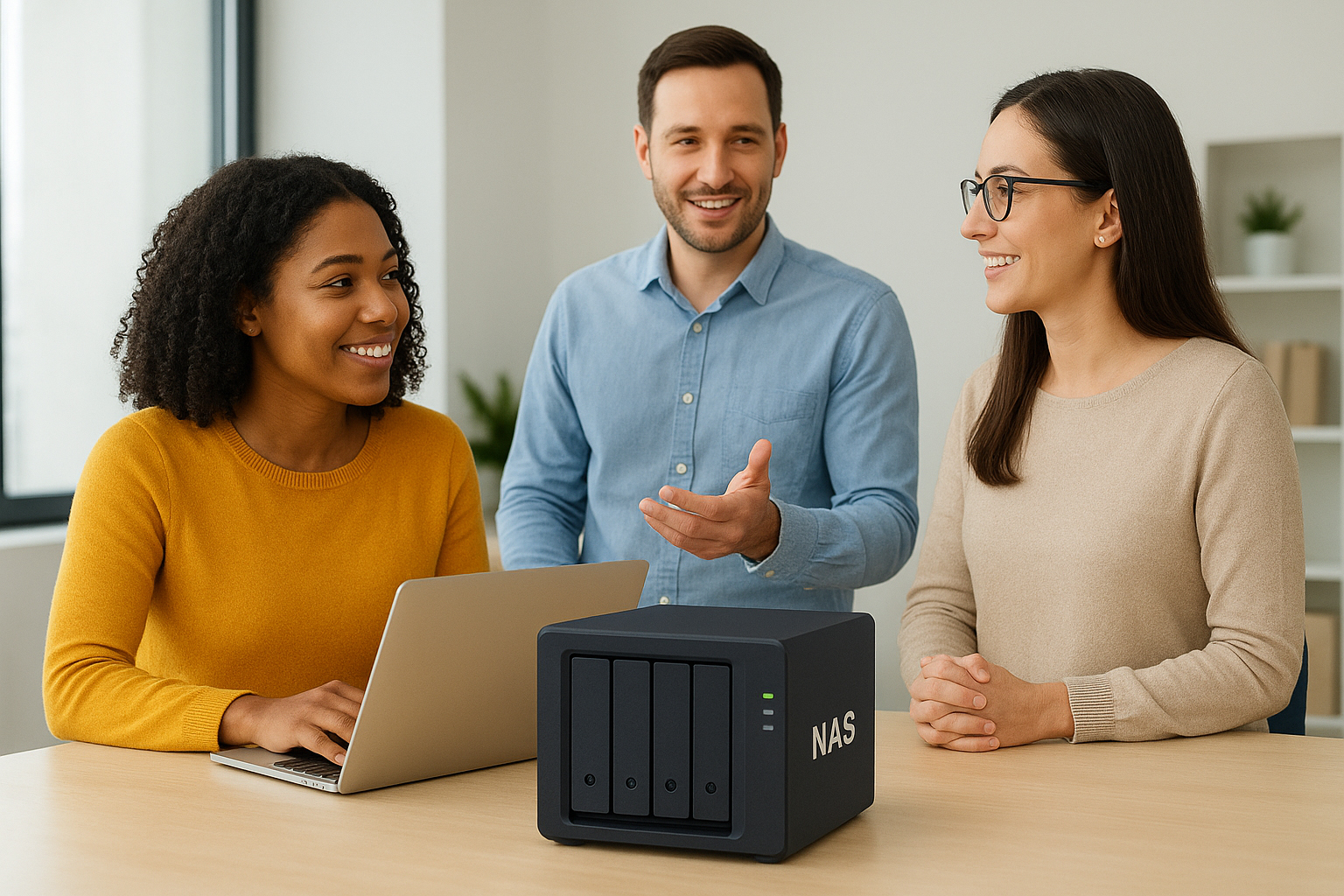
Choosing a file storage system for a growing business isn’t just about adding more terabytes. You need a setup that every employee can access with their own password, that assigns dedicated space per user or team, and that keeps your data protected without draining your budget. The good news: modern Network Attached Storage (NAS) solutions make this achievable with enterprise‑grade controls at small‑business prices—if you select the right features and deploy them thoughtfully.
What “NAS for everyone” really means
At its core, you’re looking for a shared file system that supports individual accounts, secure authentication, and storage quotas. Employees should log in with unique credentials, ideally tied to your existing directory (Microsoft Entra ID/Azure AD, Google Workspace, or on‑prem Active Directory/LDAP) so you can onboard and offboard centrally. The NAS exposes shared folders over familiar protocols like SMB (Windows/macOS) and NFS (Linux), plus web access for browsers and mobile apps when needed.
Dedicated space can be enforced using per‑user home folders and quotas. Quotas cap space by user or group, preventing a single power user from consuming everything. Role‑based access controls (RBAC) then define who can read, write, or administer each share, aligning storage privileges with job functions.
On‑prem NAS vs. cloud file servers
On‑prem NAS (physical appliance in your office) shines for predictable one‑time costs, fast local performance, and full control of security. It’s ideal when most users work on site, large files must move quickly (design, video, CAD), or you need specific compliance guardrails. Cloud file servers reduce hardware overhead and simplify remote access, but monthly fees scale with capacity and users. For many small businesses, a hybrid approach—local NAS for primary storage plus cloud for offsite backup—delivers the best balance of cost, speed, and resilience.
Security‑by‑design essentials
Identity and access control
Integrate the NAS with your identity provider to avoid local account sprawl. Enforce strong passwords and MFA for remote access. Use groups (Finance, Sales, Operations) to assign permissions to shares, rather than hand‑configuring each person. Enable auditing so you have a trail of access and changes.
Encryption and data protection
Turn on encryption at rest using hardware‑accelerated AES where available. Protect against accidental deletions and ransomware with immutable snapshots and versioning on a frequent schedule (for example, hourly during business hours, daily after hours). Pair that with a 3‑2‑1 backup strategy: three copies of data, on two media types, with one copy offsite—often the cloud tier of your choice.
Remote access without holes
Favor a secure VPN or zero‑trust gateway over directly exposing NAS ports to the internet. If your NAS vendor offers a hardened relay or reverse proxy with MFA and device checks, use it. Restrict admin interfaces to known IPs, enable automatic updates, and review security advisories quarterly.
Recommended architectures
Turnkey appliance (Synology/QNAP‑class)
These appliances offer polished web UIs, easy directory integration, user quotas, snapshots, and cloud backup apps out of the box. Choose RAID 6 or RAID Z2 for fault tolerance, and pair with SSD cache if you have heavy small‑file workloads. This route minimizes setup time and delivers strong value for most offices of 5–100 users.
Open‑source DIY (TrueNAS)
For those with in‑house IT skills, TrueNAS provides enterprise‑grade ZFS, powerful snapshots, replication, and quotas at excellent cost efficiency. Commodity hardware plus mirrored boot drives and ECC RAM can match or outperform appliances, though you’ll invest more time in planning and maintenance.
Cloud‑hybrid
Keep primary shares on‑prem for performance and map a cloud bucket for offsite backup or archive tiers. Many NAS platforms natively sync to S3‑compatible storage, Azure Blob, or Backblaze B2, giving you automated, versioned offsite protection without manual tape or drive rotations.
Rollout checklist
1) Define shares aligned to teams and projects. 2) Connect NAS to AD/LDAP or your cloud identity. 3) Create groups and apply RBAC. 4) Enable per‑user home directories with quotas. 5) Set snapshot policies and test restores. 6) Configure scheduled, encrypted offsite backups and verify recovery. 7) Lock down admin access, enforce MFA, and enable audit logging. 8) Map network drives for users and provide a brief usage guide. 9) Monitor capacity, IOPS, and network throughput. 10) Document procedures for onboarding/offboarding and incident response.
Costing it right
Budget for the chassis, drives (prefer NAS‑rated), a UPS to protect against power loss, and at least two spare drives for swift replacements. Factor support subscriptions and cloud storage for backups; these predictable fees often save far more by minimizing downtime and data loss. Start with a capacity plan based on actual usage plus 30–40% headroom for growth, then right‑size performance with 2.5/10 GbE networking and SSD cache only if your workload benefits.
When you combine per‑user identity, well‑designed quotas, layered protection (RAID, snapshots, and offsite backups), and secure remote access, a NAS becomes more than a place to park files—it turns into a reliable platform for your business to collaborate, meet compliance expectations, and scale with confidence. The smartest investment isn’t the flashiest hardware; it’s a solution that your team can use every day without friction and that quietly protects your data when things go wrong.