Can my computer monitor really help me with productivity? As a small business owner I need to find ways to be productive, what can a monitor do to help me? These are questions many entrepreneurs ask as they look for low-cost, high-impact changes to their daily workflow. The good news: a monitor is not just a screen. With the right size, resolution, configuration, and ergonomic setup, it becomes a productivity tool that saves time, reduces fatigue, and helps you focus on what matters.
Why your monitor matters more than you think
When you think about productivity, you probably imagine better time management or new software, not hardware like a monitor. But the display is where all of your digital work actually happens. A cramped, low-resolution screen forces constant toggling between windows, breaks focus, and increases the cognitive load of even simple tasks. Conversely, a thoughtful monitor setup reduces friction: you can view multiple documents at once, keep communication tools visible without interrupting your workspace, and see more of the data that informs decisions.
Screen size and resolution: more room to work
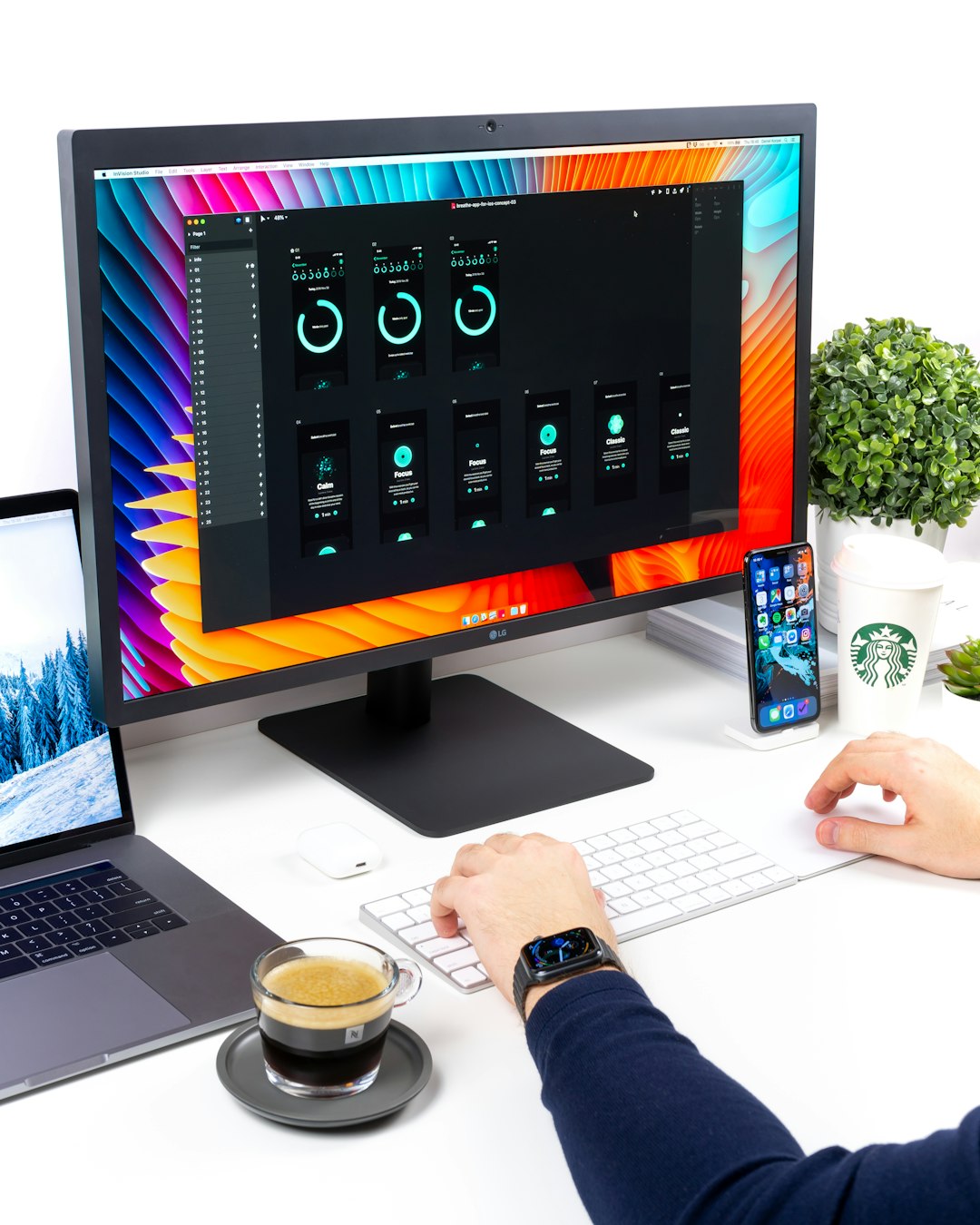
Larger screens and higher resolutions give you more usable workspace. A single 27″ 4K monitor or a dual-monitor setup offers the equivalent of multiple virtual desktops, letting you compare spreadsheets, draft proposals, and monitor email simultaneously. For small business owners handling invoicing, inventory, or client communications, that visibility translates directly into fewer context switches and faster task completion. If you often work with detailed charts or large spreadsheets, prioritize resolution — fine text and tiny gridlines are much easier to read on a sharper screen.
Aspect ratio and multitasking
The aspect ratio matters too. Ultrawide monitors (21:9 or wider) are great for side-by-side windows without the bezel gap that dual monitors introduce. They’re especially helpful for content creators, project managers, or anyone who needs persistent reference material on one side and primary work on the other. Picture-in-picture and split-screen features are now common, letting you customize how information is presented and accessed throughout the day.
Ergonomics and eye comfort: sustainable productivity
Comfort plays a huge role in sustained productivity. Monitors with adjustable height, tilt, and swivel capabilities help you maintain neutral posture, reducing neck and shoulder strain. Many modern displays include blue light filters and flicker-free technology that reduce eye fatigue—critical for long admin sessions and late-night client work. Small changes like adjusting display brightness and color temperature to match ambient light can reduce micro-breaks and keep you focused for longer stretches.
Connectivity and workflow integration
Ports and connectivity are practical productivity enhancers. A monitor with multiple inputs, USB hubs, or built-in docking capabilities can consolidate peripherals and reduce cable clutter. If your laptop docks into a monitor and powers your devices, you eliminate the time spent plugging things in and restarting setups. Networked monitors with picture-by-picture functions can even display live dashboards or remote support sessions, which is useful when coordinating with team members or contractors.
Choosing the right monitor for your business
Start by listing your most frequent tasks: document editing, spreadsheet analysis, video conferencing, design, or customer service. Match the monitor features to those needs. For text-heavy work, prioritize resolution and color accuracy. For multitasking, consider larger or ultrawide displays. For frequent video calls, look for built-in webcams and microphones that simplify setup. And always consider ergonomics — a monitor arm or an adjustable stand is a small investment that pays off in comfort and productivity.
If you want help integrating a better monitor into a broader productivity strategy—like optimizing remote access, streamlining software, or setting up a reliable docking station—professional IT support can speed the process. Network Virtual Support offers tailored solutions for small businesses that want to get more done without disruptive downtime. Visit Network Virtual Support to learn how their services can be paired with the right hardware to deliver measurable improvements.
Investing in the right monitor isn’t a magic bullet, but it is a practical, often-overlooked way to reduce friction in your daily work. When paired with ergonomic setup and the right software habits, a quality display helps you stay organized, reduces fatigue, and gives you the visual clarity needed to make faster, better decisions — a real win for any small business owner looking to boost productivity.