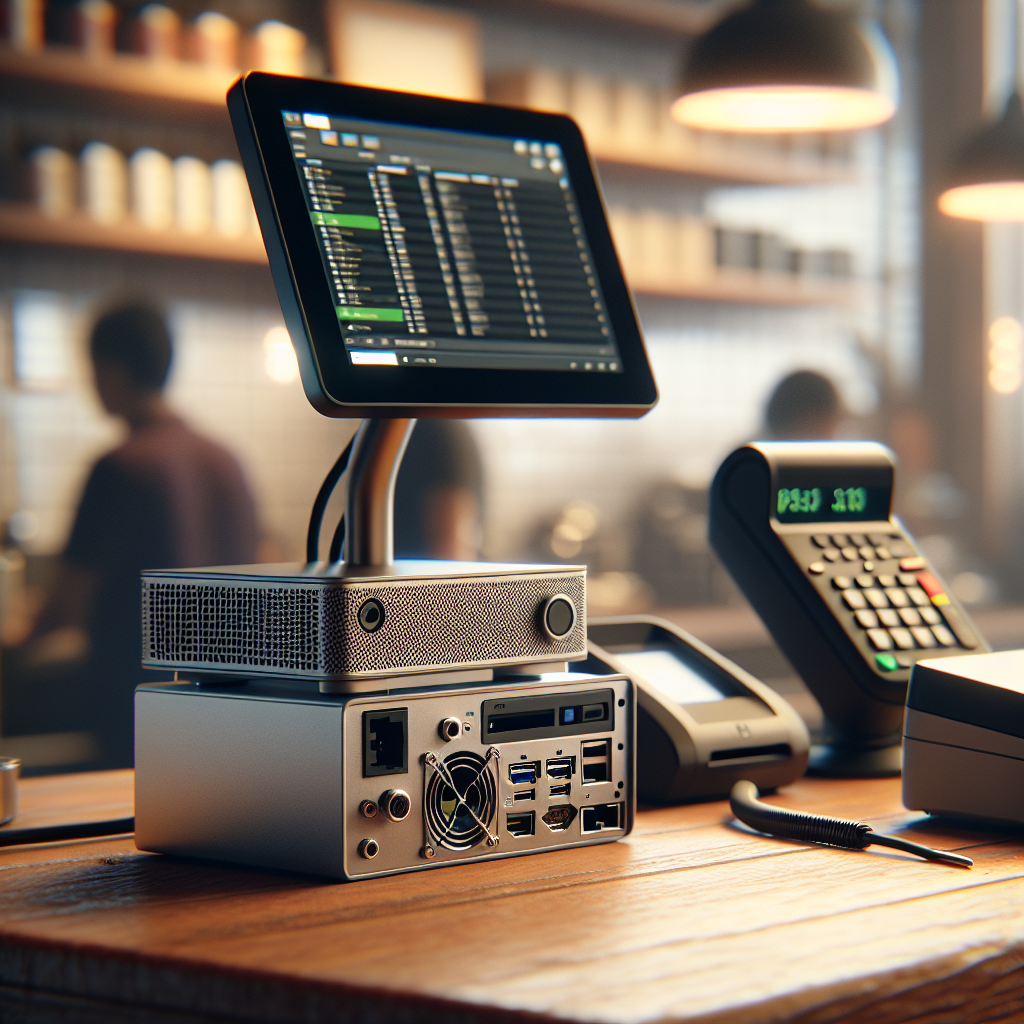
Finding a fast, reliable PC that won’t overwhelm a crowded front counter is a common problem for small businesses. You need something powerful enough to run point-of-sale software, inventory tools, and possibly light multitasking, but compact and discreet so the customer-facing area remains uncluttered and professional. This article walks through the practical priorities, recommended models, and installation tips that make a small form factor (SFF) PC the smart choice for a busy storefront.
Why choose a small form factor PC for customer-facing areas?
Small form factor PCs combine desktop-grade performance with a tiny footprint. They can sit behind a cash register, mount under a counter, or hide behind a display without sacrificing speed. For front-counter deployments, SFF devices reduce visual clutter, help with cable management, and lower the risk of accidental damage or theft. Many modern mini PCs also offer quiet cooling and energy-efficient components, which keeps the customer experience calm and comfortable.
Key specifications to prioritize
When evaluating compact PCs for a customer area, focus on a few core specifications rather than marketing buzz.
Processor and performance
Choose a recent-generation CPU—at minimum a quad-core Intel Core i3/i5 or AMD Ryzen 3/5 for sustained responsiveness. If you run heavier workloads like integrated POS analytics, consider an i7/Ryzen 7 or a model with discrete graphics. Many mini PCs now use efficient U-series or low-TDP chips that deliver strong single-threaded performance while keeping power and heat in check.
Memory and storage
Aim for 8–16 GB of RAM as a baseline; 16 GB provides comfortable multitasking and future-proofing. For storage, NVMe SSDs dramatically improve boot and app load times compared to SATA HDDs. A 256–512 GB NVMe SSD is a practical starting point for most small businesses; opt for larger or add a second drive if you store lots of local data.
Connectivity and ports
Look for multiple USB-A and USB-C ports for barcode scanners, receipt printers, and card readers. Dual-display support via HDMI or DisplayPort is valuable if you run a customer-facing display alongside an operator screen. Gigabit Ethernet plus reliable Wi-Fi (Wi‑Fi 6 if possible) ensures stable network performance for cloud POS systems.
Security and manageability
Hardware features like Kensington lock slots, TPM (Trusted Platform Module), and BIOS-level security are valuable for protecting a public-facing machine. Remote management capabilities (Intel vPro for Windows devices or similar) simplify updates and troubleshooting for distributed locations.
Recommended small form factor PCs
Here are reliable, widely recommended options that balance size, power, and price for front-counter use.
Intel NUC series
Intel NUCs are compact, highly configurable, and available with everything from energy-efficient mobile CPUs to powerful desktop-class processors. Many NUC models support NVMe storage, multiple displays, and VESA mounting, making them ideal for hiding behind screens or under counters.
https://amzn.to/3XueBHb
Apple Mac mini (M-series)
The Mac mini with Apple Silicon delivers excellent performance per watt, very quiet operation, and a small footprint. If your business software supports macOS or you use cloud-based POS solutions accessed through a browser, the Mac mini is an elegant and reliable choice.
Lenovo ThinkCentre Tiny and HP EliteDesk Mini
Both Lenovo and HP offer business-focused mini PCs with enterprise-class reliability, warranty options, and security features. They typically include multiple USB ports, optional discrete graphics, and mounting brackets for concealment. Their serviceability is a plus for long-term deployments.
Mini PCs from specialized vendors (MinisForum, Beelink)
These vendors produce cost-effective mini PCs that often punch above their weight for price-sensitive deployments. Look for models with good cooling and upgrade options; choose vendors with solid user reviews and clear warranty policies.
Practical installation and maintenance tips
Mount the PC under the counter using VESA brackets or adhesive mounts, or tuck it behind the register where it won’t interfere with staff movements. Use cable ties and channels to route power and peripherals neatly. Regularly clean vents and filters to prevent dust buildup that can throttle performance. Consider a small UPS to protect against power outages and ensure graceful shutdowns of POS systems.
Thermal considerations
Compact enclosures can trap heat. Choose models with proven thermal designs and avoid stuffing the unit into completely enclosed boxes. Leave at least a few inches of clearance or use an under-counter mount that still allows airflow.
Security and theft prevention
Use physical locks, bolt kits, or enclosure boxes when the PC is accessible to the public. Keep firmware and OS patches up to date, and enable full-disk encryption where possible to protect customer and business data.
Selecting the right small form factor PC for a customer-facing area comes down to balancing performance, size, and security. For most small businesses, a modern mini PC with an SSD, 8–16 GB of RAM, and reliable connectivity will cover daily needs while staying out of sight. Factor in mounting options, warranty service, and thermal behavior to ensure long-term reliability. When these elements are prioritized, you can achieve a professional, uncluttered front counter that still delivers the speed and resilience your staff needs to serve customers efficiently.