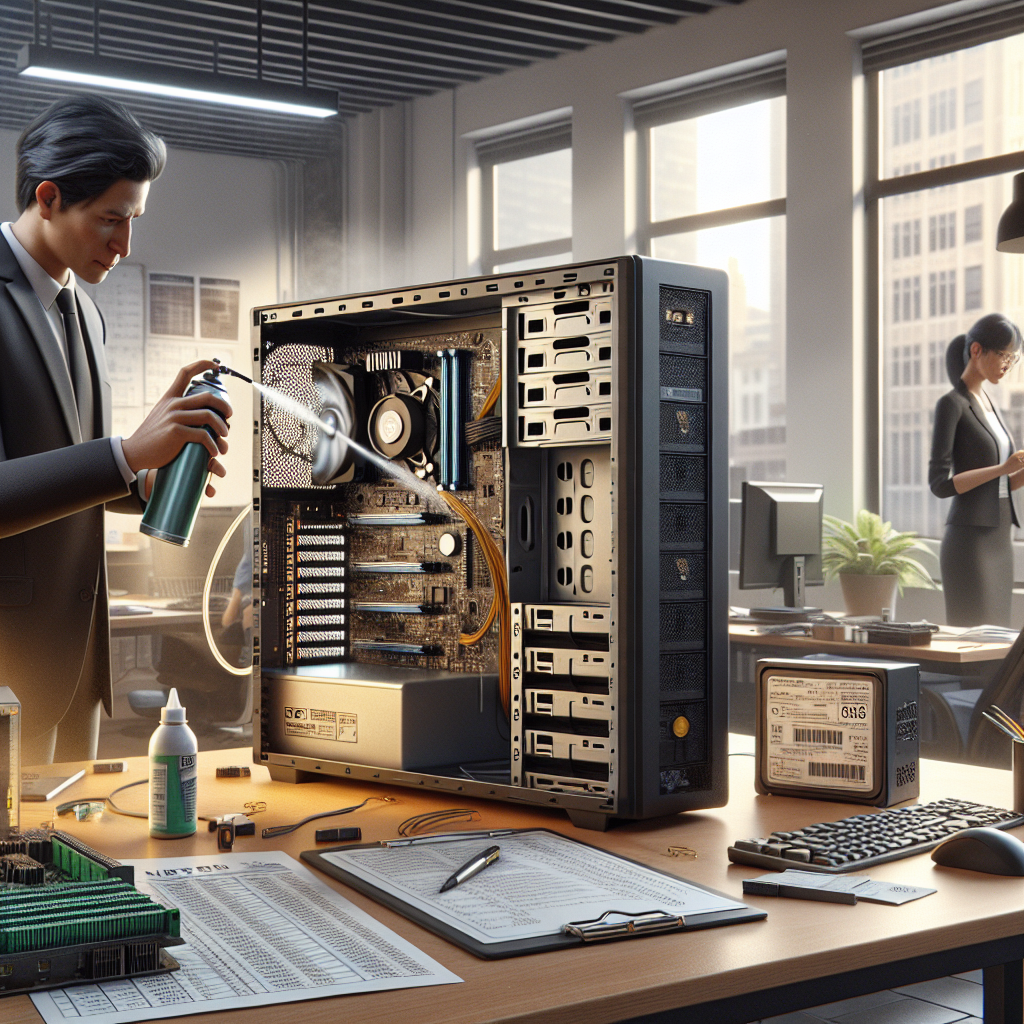
Many small businesses replace computer equipment every three years because of perceived obsolescence and warranty cycles. However, extending the useful life of existing devices can significantly reduce capital expenditures and environmental impact. A proactive strategy that combines hardware maintenance, software optimization, smart upgrades, and thoughtful purchasing decisions will stretch the lifespan of workstations, laptops, and servers without sacrificing productivity.
Extend Your Computer Equipment’s Life and Cut Costs
A clear maintenance schedule is the foundation. Regularly cleaning dust from vents and fans, replacing thermal paste on older CPUs, and ensuring adequate airflow reduce thermal stress and component failure. For small business owners without dedicated IT staff, creating a simple checklist for quarterly physical inspection and an annual deeper maintenance routine can prevent many hardware issues.
Keep Software Lean and Up to Date
Obsolete or cluttered software can make even modern hardware feel sluggish. Remove unnecessary startup programs, keep operating systems and drivers updated, and use lightweight alternatives where possible. Implement centralized patch management for all company machines to avoid security vulnerabilities that can lead to costly downtime. Regular disk cleanup and defragmentation for HDDs (or appropriate firmware upkeep for SSDs) maintain storage performance.
Selective Upgrades Over Full Replacements
Upgrading specific components often yields as much performance improvement as a whole-system replacement for a fraction of the cost. Adding RAM, swapping an HDD for an SSD, or upgrading to a faster Wi‑Fi card can revive older machines. For desktops, replacing a failing power supply or adding better cooling fans is much cheaper than replacing the entire unit. Track compatibility and warranty implications before upgrading, and document changes in your asset records.
Power Protection and Environmental Controls
Surge protectors, uninterruptible power supplies (UPS) for critical machines, and quality power strips protect sensitive electronics from voltage spikes and outages. Keep equipment in temperature- and humidity-controlled environments to avoid corrosion and thermal cycling. Simple steps like elevating equipment off dusty floors, using dust filters on intake vents, and scheduling HVAC maintenance can lengthen hardware life.
Inventory Management and Asset Tracking
Maintain a centralized inventory with purchase dates, warranties, serial numbers, and maintenance history. Asset tracking helps prioritize replacements, negotiate extended warranties for strategic devices, and identify underused equipment that can be redeployed. A clear lifecycle policy — defining when to repair, upgrade, or retire hardware — reduces impulse purchases and spreads budget predictably.
Training and User Practices
Human behavior affects hardware longevity. Teach staff gentle handling of laptops, safe battery charging practices, and how to report performance issues early. Encourage software habits like closing unused applications and avoiding resource-heavy tasks on older machines. Small changes in user behavior can prevent accidental damage and delay the need for replacements.
Leverage Remote Management and Virtualization
Remote management tools allow technicians to diagnose and remediate many issues without physical intervention. Virtual desktop infrastructure (VDI) or application virtualization can offload processing to servers, extending the usable life of thin clients and low-cost workstations. Consolidating workloads on fewer, better-maintained servers often costs less than replacing many distributed endpoints.
Smart Procurement and Lifecycle Planning
Buy with longevity in mind: prioritize modular designs, upgradable RAM and storage, standardized parts, and vendor support options. Negotiate favorable warranty terms and consider extended support for mission-critical equipment. Bulk purchasing and planning refresh cycles in phases smooths cash flow and keeps devices longer in productive service.
Cost-Benefit Analysis: When to Replace
Sometimes replacement is the wiser choice. Conduct a simple total cost of ownership comparison considering repair costs, productivity losses, energy efficiency, and security risks. If repair costs approach half the price of a new machine, or if the device cannot support essential software updates, replacement may be justified. Use data from your inventory and maintenance logs to guide decisions rather than anecdote.
Environmental and Financial Benefits
Extending equipment life reduces electronic waste and lowers the environmental footprint of your operation. Financially, stretching refresh cycles frees capital for growth-oriented investments and reduces depreciation spikes. Communicate these benefits internally to secure buy-in for maintenance budgets and responsible procurement policies.
Practical Checklist to Start Today
Begin with a baseline audit: inventory all machines, note warranties and expected end-of-life, and run performance diagnostics. Implement a quarterly maintenance checklist, schedule simple upgrades like RAM and SSDs where cost-effective, and deploy power protection where needed. Track outcomes and adjust policies; small iterative improvements compound into substantial savings over a few refresh cycles.
Financing and Refurbishment Options
Explore refurbishment programs, trade-in credits, and certified pre-owned markets to recover value from retired equipment. Leasing or financing can spread costs and maintain predictable budgets but compare long-term costs against outright purchase and maintenance. Partner with reputable refurbishers who offer data wiping and hardware certification to protect your company and extend asset life responsibly.
Implementing a Culture of Care
Leadership sets expectations that influence equipment care. Allocate a modest maintenance budget, reward teams that follow best practices, and celebrate efficiency wins. Create simple documentation and short training sessions that new hires complete during onboarding. Over time these cultural shifts reduce breakages, improve uptime, and make capital allocation more strategic and less reactive.
With a mixed approach of maintenance, targeted upgrades, careful procurement, and staff engagement, small businesses can extend equipment life, lower capital spending, and build a more resilient, sustainable IT operation.