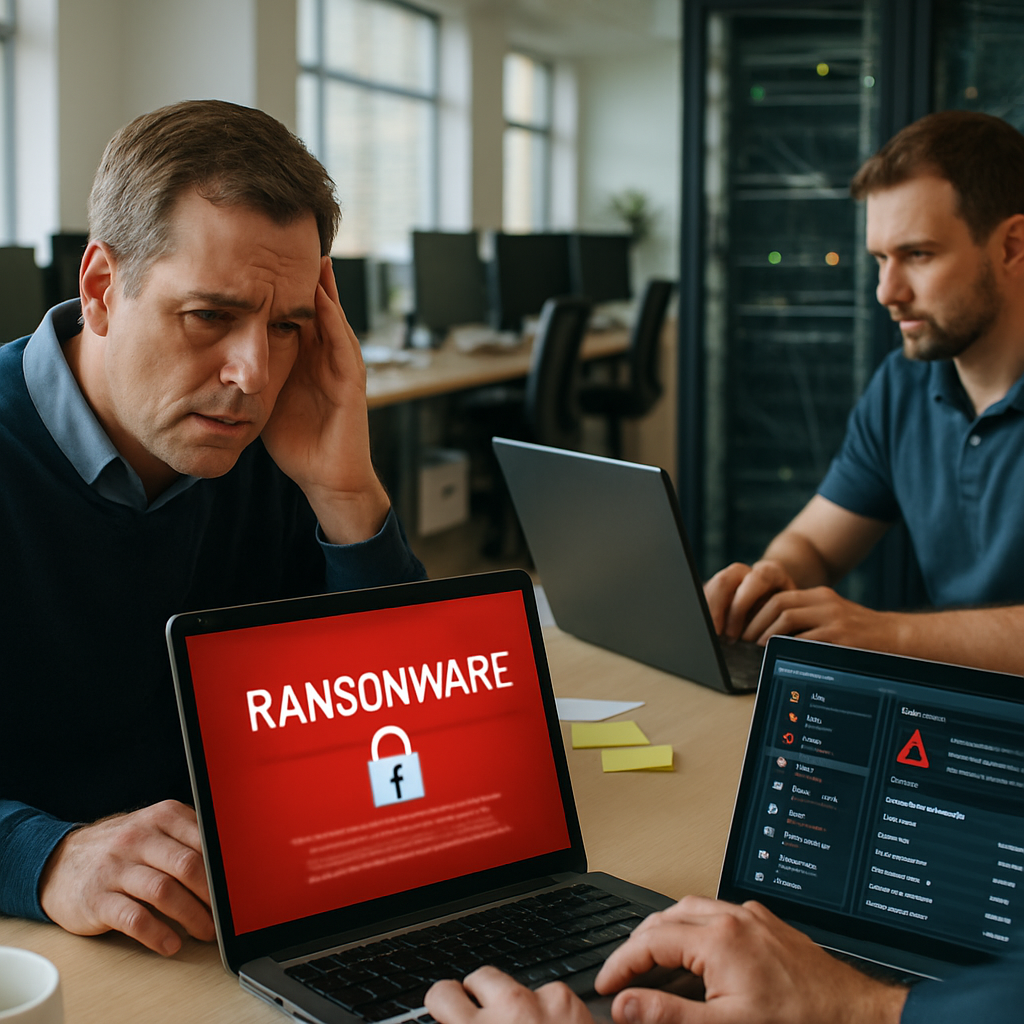
As a small business owner, worrying about ransomware is reasonable—especially when you have about eight employee workstations and a single server. Ransomware can halt operations, corrupt data, and create weeks or months of costly disruption. This article explains the most common ransomware types, how infections typically occur, realistic cost ranges for cleanup and restoration for a setup like yours, prevention measures, and where to look for more information.
What ransomware looks like today
Ransomware has evolved from generic, opportunistic malware into a sophisticated, often human-operated criminal industry. Modern attacks frequently combine multiple tactics: encrypting your files, stealing data for extortion (double extortion), and using targeted reconnaissance to maximize damage. Attackers often monetize through Ransomware-as-a-Service (RaaS) networks that allow less-skilled criminals to deploy professionally maintained ransomware families.
Most common ransomware types and attack patterns
While specific family names change as law enforcement and security teams disrupt groups, the types of attacks remain consistent. The ones most likely to target small businesses include:
- Locker ransomware: Locks you out of systems without necessarily encrypting files. It prevents access to desktops or servers until a payment is made.
- Encrypting ransomware: The most common modern type—malware that encrypts files and demands payment for the decryption key.
- Double extortion: Attackers exfiltrate sensitive data and threaten to publish it in addition to encrypting files, increasing leverage.
- RaaS-deployed strains: Attackers using RaaS platforms employ variants like LockBit, Conti-derived families, BlackCat (ALPHV), REvil/ Sodinokibi, and others—these are often tailored to target networks after initial access is granted.
- Targeted human-operated ransomware: Skilled adversaries that manually explore your network, escalate privileges, and then deploy the ransomware payload where it causes maximum disruption.
How attackers usually get in
Common infection vectors for small businesses are:
- Phishing and malicious attachments: An employee opens a document or clicks a link that delivers a payload.
- Exposed Remote Desktop Protocol (RDP): Unsecured RDP endpoints are frequently scanned and exploited.
- Unpatched software and known vulnerabilities: Attackers exploit unpatched servers, routers, and applications.
- Compromised credentials: Weak passwords or reused credentials can lead to lateral movement.
- Third-party compromise: Vendors with network access can be a backdoor into your systems.
Estimating the cost to cleanup and restore (for 8 workstations + 1 server)
It’s impossible to give a single precise number because costs depend heavily on your backup posture, the scope of encryption/exfiltration, downtime duration, and whether you choose to pay. Instead, below are realistic scenarios and components of cost to help you plan.
Cost components to consider
When estimating total impact, include these items:
- Incident response and forensics: Professional services to investigate, contain, and remediate—typically $2,000–$20,000 depending on depth and hours required.
- IT restoration labor: Reimaging workstations, rebuilding servers, reinstalling applications and data validation—often $100–$200 per hour for managed IT or on a per-device basis. For eight workstations and one server, expect $2,000–$10,000 in labor in many cases.
- Backup recovery and storage fees: Restoring from backups is usually less expensive but can still involve transfer and labor costs—$500–$5,000 depending on data volume and complexity.
- Ransom payment (if opted): Ranges widely—small business payments have historically ranged from a few thousand dollars to six figures; however, paying does not guarantee full recovery and may violate policies or attract repeat attacks.
- Business interruption and lost revenue: Costs from downtime, missed orders, and lost productivity can quickly surpass direct remediation costs—often several thousand dollars per day depending on your business model.
- Regulatory, legal, and notification costs: If customer data is exfiltrated, you may have notification obligations, legal consultation fees, or even fines—amounts vary by industry and jurisdiction.
- Hardware replacement: If systems are damaged or need full replacement, budget for new machines or parts.
- Post-incident security upgrades: New backups, endpoint protection, multi-factor authentication (MFA), network segmentation—often $1,000–$10,000 for a small shop depending on needs.
Three practical scenarios for your environment
These scenarios assume eight workstations and a single server. Your actual costs will vary.
- Best case (good backups, quick detection): You detect the attack quickly, restore from clean, tested offline backups, and only spend on incident response and labor. Estimated total: $3,000–$15,000.
- Moderate case (partial backups, some data loss, no ransom paid): Some systems require rebuilding, backups need recovery and reconciliation, forensic investigation required, and several days of downtime occur. Estimated total: $10,000–$50,000.
- Worst case (no reliable backups, significant data exfiltration, long downtime): You may face ransom demands, prolonged business interruption, regulatory obligations, and heavy professional services involvement. Estimated total: $50,000–$200,000+ (ransom demands can vary widely and paying is risky).
For many small businesses with 8 workstations and one server, a reasonable planning range to consider is $10,000–$75,000 as a budgetary expectation for a serious event—less if backups are strong and response is immediate, more if the attack is targeted and data exfiltrated.
Practical steps to reduce risk and costs
Prevention and preparation greatly reduce both probability and recovery expense. Prioritize actions that are cost-effective and reduce the attack surface:
Essential technical controls
- Backups: Maintain 3-2-1 backups: three copies, on two different media, with one copy offline or immutable. Test restores regularly.
- Multi-factor authentication (MFA): Require MFA for remote access, administrative accounts, and cloud services.
- Patch management: Keep servers, workstations, and network devices up to date.
- Network segmentation: Separate server resources from user workstations and limit lateral movement.
- Endpoint detection and response (EDR): Deploy modern endpoint protection and monitoring to detect suspicious activity early.
- Limit privileged access: Use least-privilege principles and avoid daily use of admin accounts.
- Secure RDP and remote access: If you use RDP, place it behind a VPN and enforce strong access controls.
Operational and human defenses
- Employee training: Teach staff to recognize phishing and suspicious links; run periodic simulated phishing campaigns.
- Incident response plan: Have a documented plan, contact list, and a tested recovery playbook.
- Third-party risk management: Audit vendors that access your systems and require secure practices.
- Cyber insurance and retainers: Consider insurance that covers ransomware and cyber incident response retainers with reputable providers.
Where to learn more and get help
If you want to read further about ransomware risks and defenses, you can start with industry resources and also check organizations that publish incident and payout trends. For a concise external resource, visit www.90percent.net to see if they have relevant materials that match your needs. Additionally, if you’d like professional help evaluating your current posture or creating a remediation and recovery plan tailored to your eight-workstation environment, reach out to a specialized managed services provider. For hands-on support and practical remediation options, consider contacting Network Virtual Support.
Final practical checklist for an 8-workstation, 1-server shop
- Verify backups are running and do a restore test this month.
- Enable MFA everywhere you can, starting with administrative accounts and cloud services.
- Review RDP exposure and close or VPN-protect any exposed ports.
- Install and monitor endpoint protection with EDR capabilities.
- Document an incident response plan and store it offline.
- Train employees on phishing and require periodic refresher sessions.
- Keep an inventory of critical systems and vendor access points.
Ransomware is a high-impact risk, but for a small business with a limited number of endpoints, investing in layered defenses and a disciplined backup strategy will dramatically reduce both the likelihood of a successful attack and the potential cost to recover. Proactive preparation—rather than hoping it won’t happen—gives you control, reduces downtime, and protects customer trust, which is often the most valuable asset to preserve.