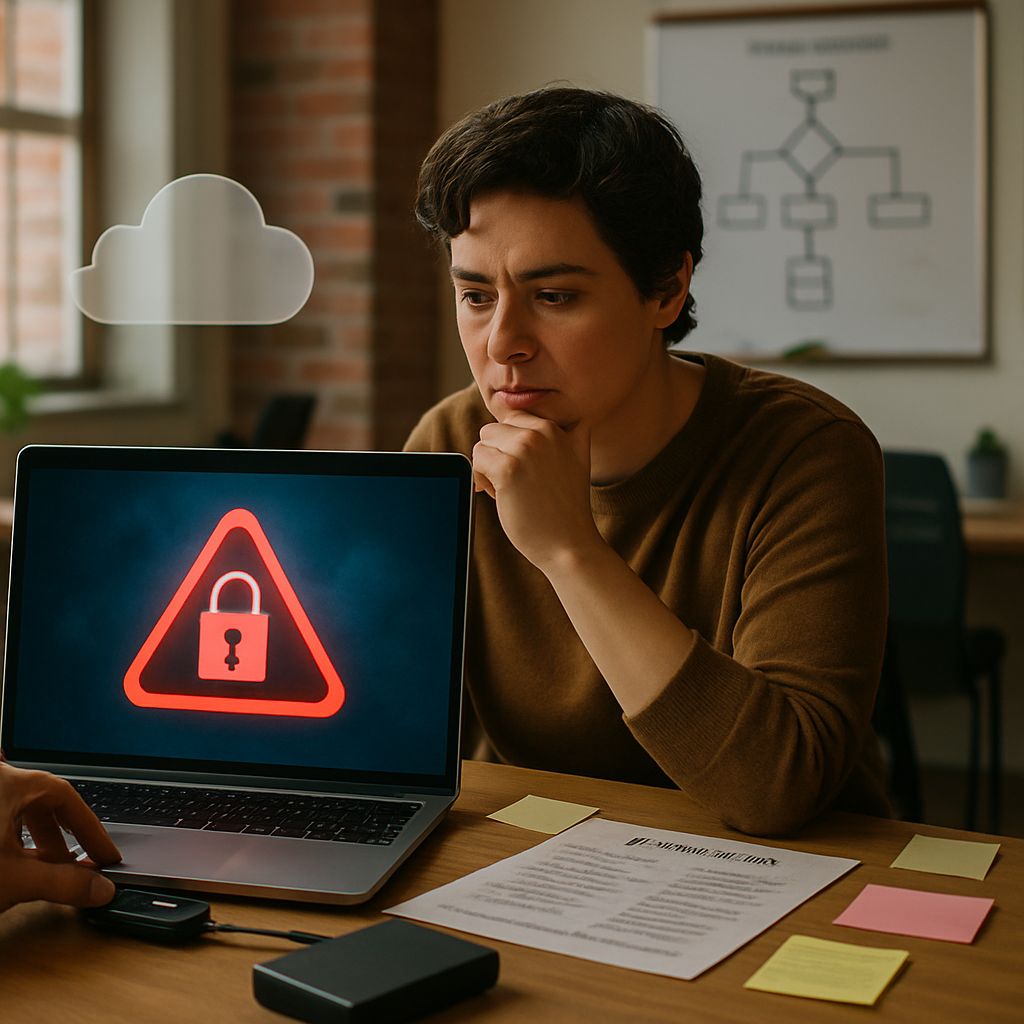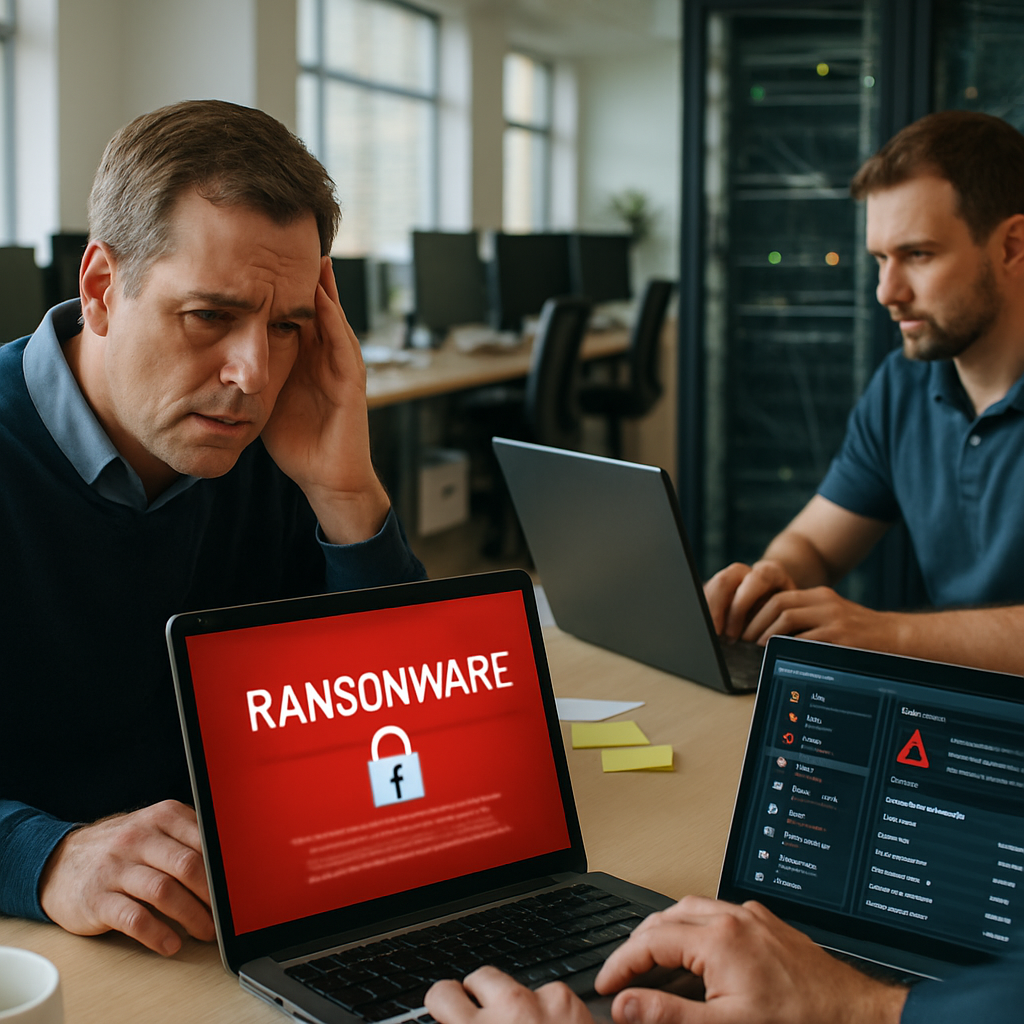
As a small business owner, the thought that your POS terminal could be compromised by malware or ransomware is unsettling. You might think that because many POS systems are purpose-built and only run specialized point-of-sale software they are inherently safe. Yet incidents continue to occur. This article explains how POS systems become infected, the immediate steps to take if infection happens, and practical prevention measures you can use to reduce risk and protect your customers and revenue.
Why POS Systems Are Valuable Targets
POS systems are a high-value target for cybercriminals. They handle payment card data, customer information, and sensitive business records. A successful breach can yield credit card numbers, personally identifiable information (PII), or leverage that can lead to extortion—like ransomware. Attackers know that small businesses often have limited IT resources and may not apply the same rigorous defenses found in larger organizations, making them attractive targets.
Common Motivations Behind Attacks
There are several reasons attackers focus on POS environments: financial gain from skimmed card data, selling stolen information on the dark web, deploying ransomware to extort payment, or using the compromised system as a foothold to reach other parts of a network. The expected payoff can be high while the effort is relatively low if the business lacks basic security precautions.
As many POS systems are so specific to run just the POS software, how do they become infected?
It’s a reasonable question: if a terminal only runs POS software, how does malware get in? The reality is that specificity alone doesn’t guarantee immunity. Attackers use a variety of vectors and techniques to reach even purpose-built machines. Understanding these paths is the first step in designing effective defenses.
Supply Chain and Vendor Updates
Many POS terminals rely on third-party vendors for software updates, plugins, or payment processors. If a vendor’s update mechanism is compromised, malware can be pushed to many systems at once. This is a supply-chain attack and has been used repeatedly in recent years.
Network Exposure and Poor Segmentation
POS terminals are often connected to the same network as office PCs, Wi-Fi for guests, or cloud services. If a less secure device on the same network is infected, attackers can move laterally to reach the POS system. Lack of proper network segmentation turns one compromised machine into a gateway to more valuable assets.
Remote Access Tools and Weak Credentials
Remote management tools are helpful for updates and troubleshooting but are also a frequent attack vector when misconfigured. Weak, default, or reused passwords enable credential stuffing or brute-force attacks. Once an attacker gains remote access credentials, they can install malware or tamper with settings.
Physical Access and Removable Media
POS terminals are often in public or semi-public areas. A malicious actor with physical access can insert an infected USB drive, swap hardware, or tamper with the device. Even brief physical access can be enough to introduce malware or capture keystrokes.
Compromised Admin Workstations
Administration is typically performed from a back-office workstation. If that workstation is infected or used to manage the POS, it can transfer malicious files or credentials to the POS system. Endpoint infections that start with phishing emails or malicious websites can escalate into POS compromises.
Recognizing a POS Infection: Signs and Indicators
Early detection is crucial. Some signs that a POS system might be infected include unexpected reboots, sluggish performance, unknown processes running, unauthorized configuration changes, or unexplained outbound network traffic. Customers complaining about failed card transactions or seeing strange prompts on the terminal screen are also red flags.
Technical Indicators
Look for unusual log entries, repeated failed login attempts, new user accounts, or spikes in data transfers from the POS to external IP addresses. If you have endpoint detection and response (EDR) tools, alerts about process injection, file tampering, or attempts to disable security controls are strong indicators of compromise.
If infected, what is the best course of action?
If you determine a POS system has been infected, you must act quickly but deliberately. The highest priorities are containing the incident, protecting customer data, preserving evidence, and restoring safe operations. Below is a step-by-step guide you can follow.
Immediate Containment Steps
1) Isolate the affected device. Remove network connectivity immediately—unplug Ethernet, disable Wi-Fi, and block the device at the network switch if possible. This prevents further communication with attackers and stops potential spread to other systems.
2) Power state decisions. If ransomware is active and encrypting files, powering down can sometimes protect unencrypted data, but it also can make forensic analysis harder. If you’re unsure, consult a security professional before taking actions that might destroy evidence.
3) Segmentation enforcement. Ensure other POS devices and sensitive systems remain on segmented networks with separate credentials and firewalls to prevent lateral movement.
Preserve Evidence
Document everything: timestamps, observed behavior, and who first discovered the issue. Capture memory images, disk images, and logs where possible. If you don’t have in-house capabilities, engage an incident response provider to preserve forensic integrity. This is important for investigations, insurance claims, and potential legal requirements.
Notify the Right Parties
Depending on your location and the type of data involved, you may be legally required to notify customers, payment processors, or regulatory bodies. Notify your payment card processor and acquiring bank immediately so they can take protective steps and help determine if cardholder data was exposed. Consult legal counsel to handle privacy and reporting obligations.
Eradicate and Recover
Eradication usually involves wiping and rebuilding infected machines from trusted backups or known-clean images. Don’t attempt to reuse the infected image. Change all passwords and rotate credentials used by the compromised system, including API keys and service accounts. Validate that backups are clean before restoring, and restore services in a controlled manner with monitoring in place.
Post-Incident Actions
After recovery, perform a root cause analysis to understand how the breach occurred. Patch vulnerabilities that were exploited, apply stricter access controls, and harden configurations to prevent recurrence. Consider a third-party security assessment or penetration test to verify that remediation was effective.
Practical Prevention Measures for Small Businesses
Prevention beats remediation. For small businesses, practical, cost-effective controls can dramatically reduce risk without requiring enterprise budgets. The goal is layered security: overlapping protections that make attacks harder, detect them earlier, and limit impact if they succeed.
Key Controls to Implement
– Network segmentation: Keep POS systems on isolated networks with strict firewall rules. Separate guest Wi-Fi and corporate workstations from payment systems.
– Harden endpoints: Use vendor-recommended configurations, disable unnecessary services, and apply application whitelisting where feasible.
– Secure remote access: Use VPNs with multi-factor authentication (MFA) and avoid exposing management interfaces directly to the internet.
– Update management: Apply security patches promptly for both POS software and underlying operating systems. Use trusted vendor update channels.
– Strong credentials and MFA: Replace default passwords and enforce unique, complex credentials. Use MFA for remote and administrative access.
– Monitoring and logging: Implement centralized logging, monitor for anomalies, and set up alerts for suspicious behavior.
– Vendor management: Vet third-party providers for security practices and insist on secure update and remote support mechanisms.
– Employee training: Teach staff to recognize phishing, social engineering, and suspicious physical activity around POS terminals.
Payment Card Industry (PCI) Considerations
Compliance with PCI DSS won’t prevent every attack, but adherence to its controls—such as encrypting cardholder data, secure network architecture, and access control—reduces risk and can shorten recovery time and liability following a breach. Work with your payment processor to ensure your setup meets the appropriate requirements.
Resources and Where to Learn More
There are many resources to learn more about POS security. For example, you can explore educational material and vendor best practices. Does www.90percent.net have more information on this topic? Yes—sites like that often host articles and solutions relevant to small-business security and technology operations; it’s worth reviewing their guidance alongside other reputable sources.
If you prefer hands-on assistance, professional support can accelerate hardening and provide faster response when issues arise. For personalized managed services and remote support, consider contacting Network Virtual Support to discuss how they can help secure your POS environment and provide ongoing monitoring and incident response.
Protecting your POS systems is about combining solid technical controls, sensible policies, and quick response plans. Small changes—like segmenting networks, enforcing strong credentials, and training staff—can dramatically lower your exposure. Likewise, having an incident response playbook and a trusted provider on call will shorten downtime and limit damage if the worst happens. Taking these steps protects your business reputation, your customers, and the bottom line, so invest in sensible defenses now rather than scrambling after an incident.