Summer brings more customers and more requests for outdoor seating — and with those come expectations: fast, reliable Wi-Fi that reaches garden tables, sidewalk patios, and rooftop nooks. You don’t need a big IT budget to give guests a good connection. With a few smart choices, basic tools, and careful placement, you can expand your restaurant’s Wi‑Fi outdoors without overspending.
Start with a simple assessment
Before buying equipment, understand where coverage is weak. Walk your outdoor space with a smartphone or a laptop and a free Wi‑Fi analyzer app to measure signal strength and identify dead zones. Note where customers sit most often, and where walls, trees, or metal fixtures might block signals. Also check your Internet speed from the modem — if your ISP plan is slow, extending Wi‑Fi won’t improve performance beyond that cap.
Choose the right approach: extend or add access points
There are three practical strategies for small budgets: reposition an existing router, use a wireless range extender or mesh node, or install a dedicated outdoor access point (AP). Repositioning is the cheapest option and often helps if your router sits in a back office. Put it as central and elevated as possible. If that’s not enough, inexpensive extenders can fill small gaps but may reduce throughput. For the best balance between cost and performance, consider one outdoor-rated AP or a small mesh kit designed for yards and patios.
Power over Ethernet (PoE) and wiring tips
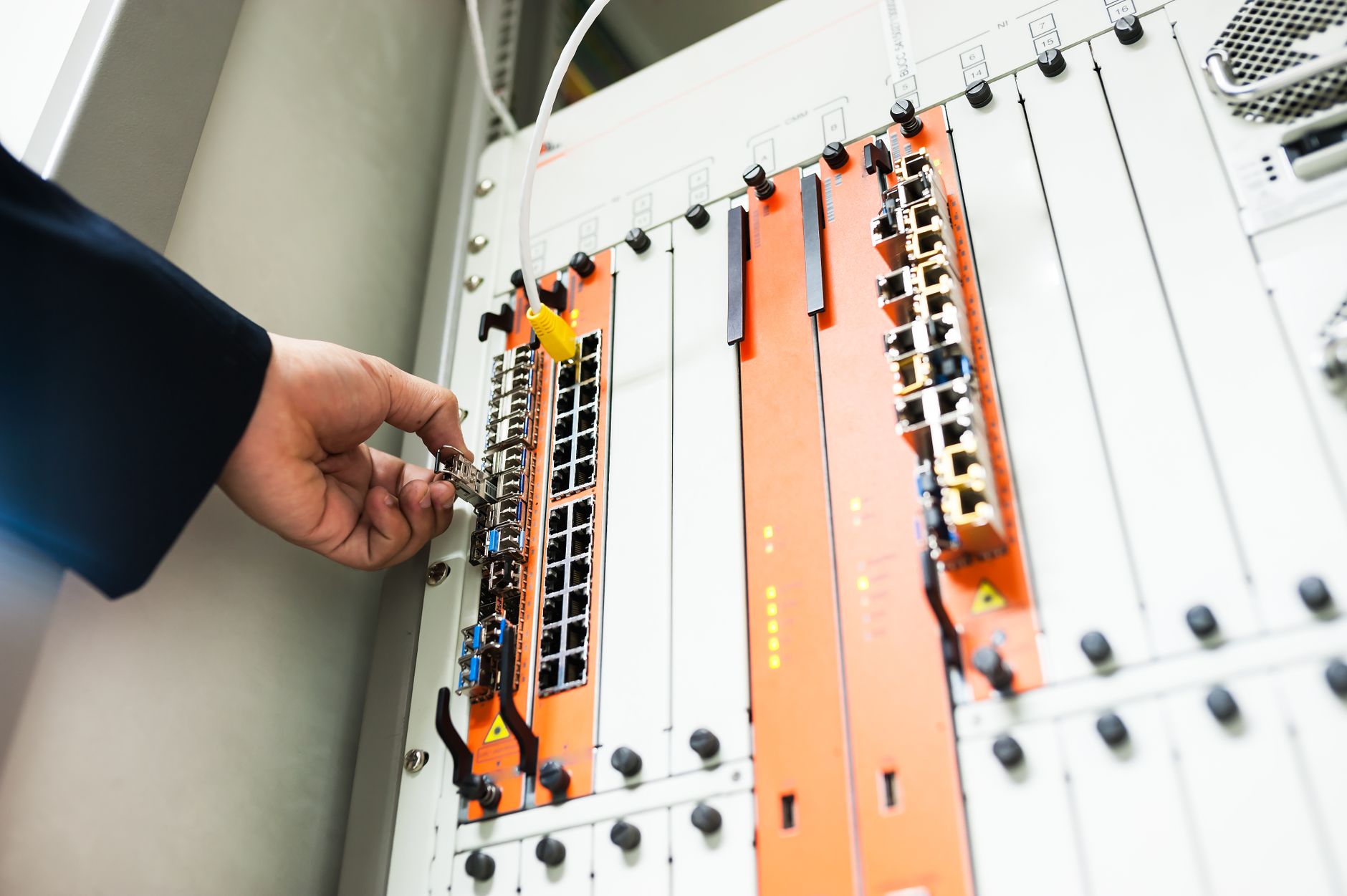
Running a short Cat5e/Cat6 cable from your indoor network to an outdoor AP provides the most reliable connection. Many outdoor APs use PoE, meaning you can power the device through the same Ethernet cable used for data, eliminating the need for nearby electrical outlets. If running cable across a sidewalk or through walls, use weatherproof conduit and seal any penetrations to keep pests and moisture out. If a direct cable run is impossible, consider a powerline adapter to carry network signals over electrical wiring — decent for short distances but susceptible to building wiring issues.
Be smart about hardware choices
On a tight budget, look for mid-range outdoor or indoor APs with strong reviews. Consumer mesh systems can be budget-friendly and easy to manage; some have outdoor-capable satellite nodes. For a more professional and long-lasting setup, outdoor-rated APs with robust antennas handle weather and provide better range. You don’t need enterprise-level gear; many small-business-friendly models provide guest-network features, bandwidth control, and WPA2/WPA3 encryption at a reasonable price.
Placement, antennas, and orientation
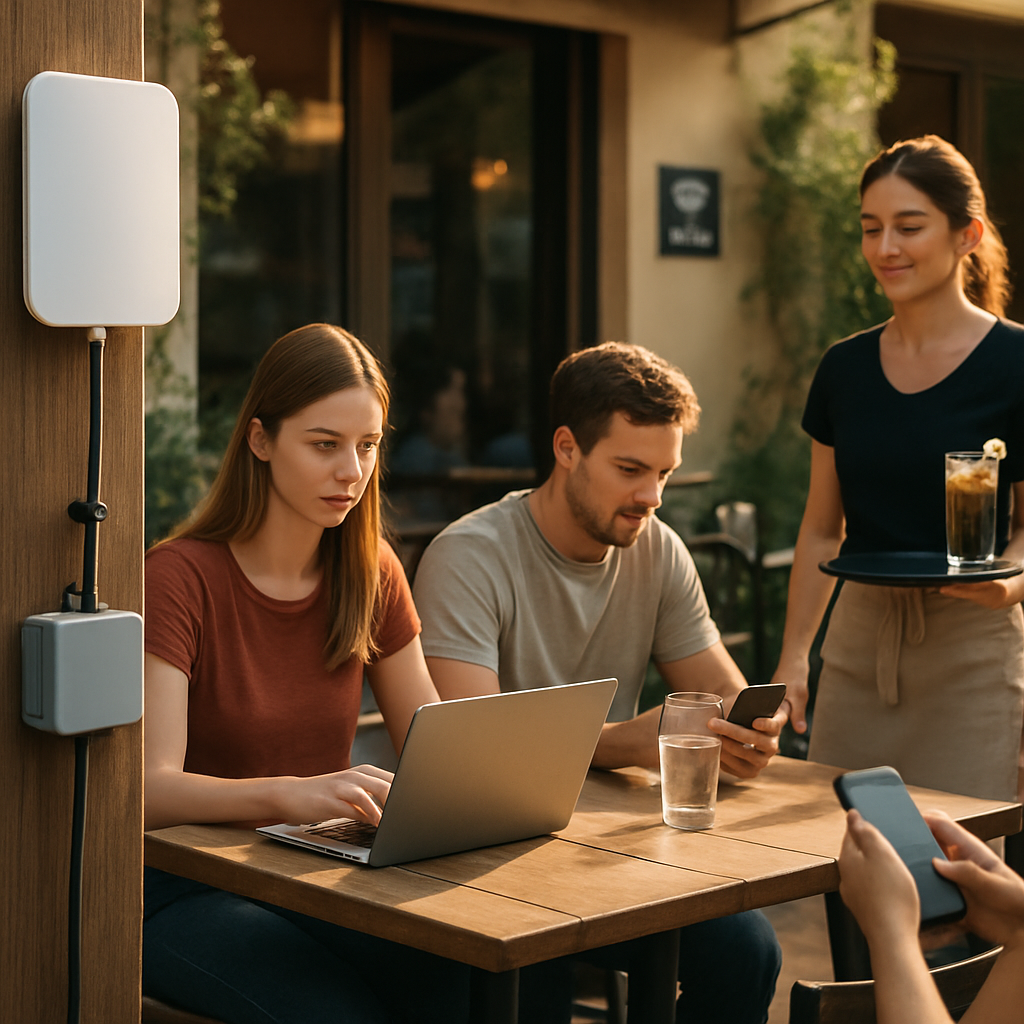
Mounting matters. Place outdoor APs high on a wall or post, clear of physical obstructions, and aim directional antennas toward seating clusters. For rectangular patios, a single centrally mounted AP often does the job. For long, narrow spaces, use two lower-power nodes spaced evenly. Avoid pointing an AP straight through thick walls or heavy foliage. If you see interference from neighboring networks, change the channel and choose 5 GHz for less congestion when clients support it; 2.4 GHz still travels farther through obstacles.
Software, security, and guest management
Separate your guest Wi‑Fi from your point-of-sale and business systems. Create a captive portal or guest SSID with bandwidth limits so one user can’t consume all available throughput. Enable WPA2 or WPA3 encryption and hide administrative interfaces from the guest network. Many small-business routers and APs let you set time limits, login pages, and usage caps which keep the network fair and secure without extra subscriptions.
Budget-friendly installation ideas
If hiring an installer is too costly, you can often do the basic install yourself. Label cables, test with a laptop, and secure equipment with tamper-resistant hardware where public access is possible. Use weatherproof enclosures for any indoor-to-outdoor junctions. For a mobile or seasonal patio, consider removable mounts so you can take equipment inside during the off-season or extreme weather.
Finally, keep expectations realistic. Extending coverage outdoors on a budget means balancing cost, aesthetics, and performance. Prioritize guest safety and network security, test changes incrementally, and monitor usage. With careful planning — a good assessment, the right placement, modest hardware, and sensible network policies — you can deliver a pleasant outdoor browsing experience that enhances customer satisfaction without blowing your summer budget.